Contents (7)
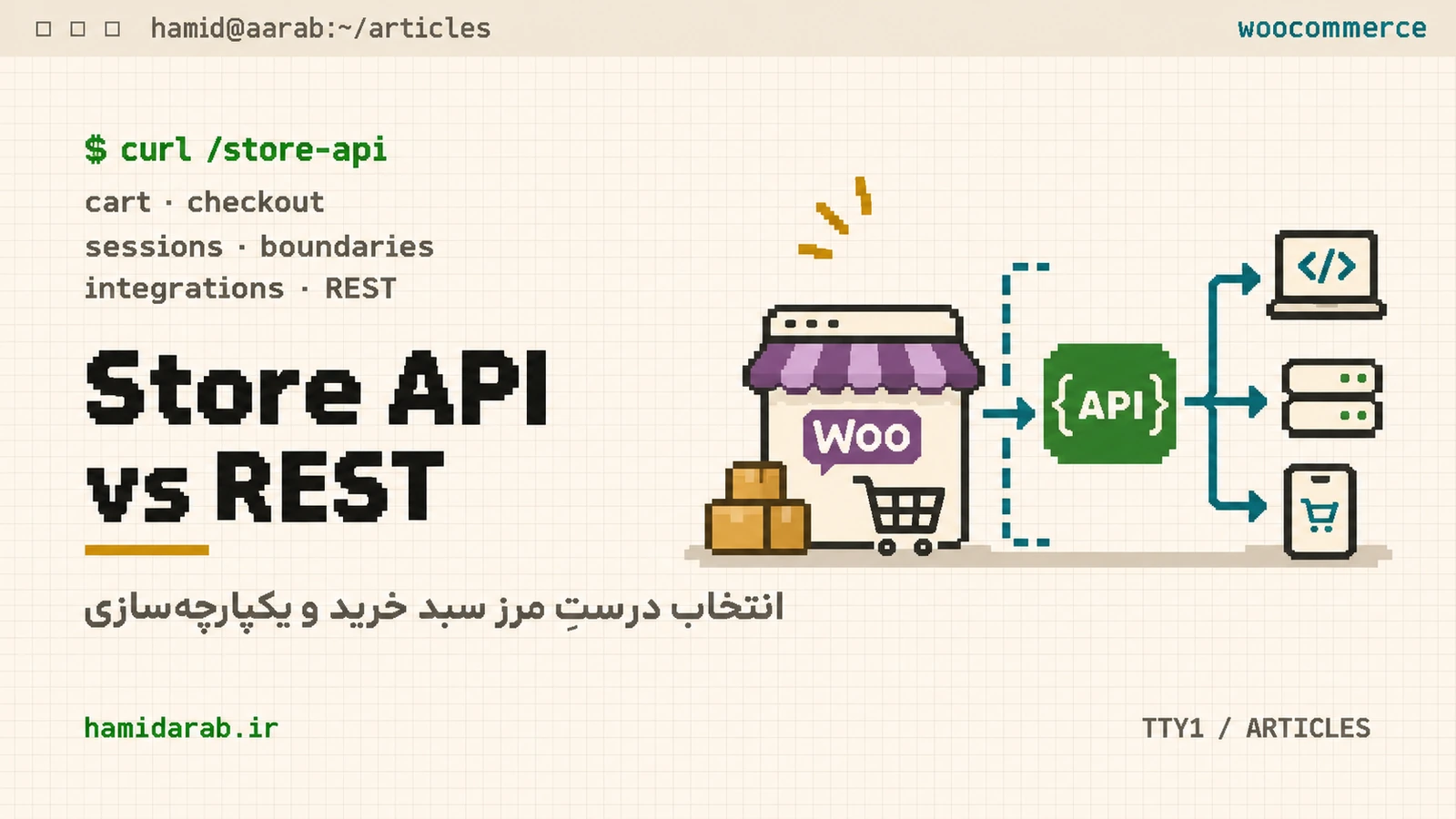
A common WooCommerce architecture mistake is assuming two JSON APIs are interchangeable. They are not. The Store API is designed around the current shopper and their session; the REST API is designed for authenticated store management and integrations.
What the Store API is for
The namespace is wc/store/v1, with endpoints for products, cart, shipping and checkout. Responses reflect the current visitor/session. Reading catalog data generally does not require an API key, while state-changing cart and checkout operations require the appropriate nonce or Cart Token.
GET  /wp-json/wc/store/v1/products
GET  /wp-json/wc/store/v1/cart
POST /wp-json/wc/store/v1/cart/add-item
POST /wp-json/wc/store/v1/checkoutWhen the REST API is the right tool
Use the authenticated REST API when an integration needs to read orders across customers, manage products, create coupons, modify shipping configuration or synchronize store data with an external system. Keep those credentials on the server; never ship them in public browser JavaScript.
A simple decision rule
- A shopper is using their own cart/checkout → Store API.
- An ERP or CRM reads store orders → REST API.
- A headless storefront needs catalog and current-session cart → Store API.
- An internal service manages stock/products → REST API.
- You need to fetch another customer’s data by ID → not a Store API use case.
Public does not mean uncontrolled
The Store API is public-facing, but write operations still have security boundaries. Follow WooCommerce nonce/token requirements and test Store API-specific validation hooks when your extension applies business rules to cart or checkout.
The headless anti-pattern
Putting a REST API Consumer Key and Secret in frontend JavaScript hands administrative credentials to the visitor. Prefer Store API for public storefront behavior. If you need privileged operations, place the REST client behind your own server-side boundary.
Architecture summary
Think of Store API as the storefront boundary and REST API as the management/integration boundary. Keeping that distinction makes permissions, sessions and caching easier to reason about.
Sources
$ ./request_review
Facing the same problem in your own store?
Senior WordPress and WooCommerce backend engineering for complex production problems.
Request a Technical Assessment
## Comments