Contents (7)
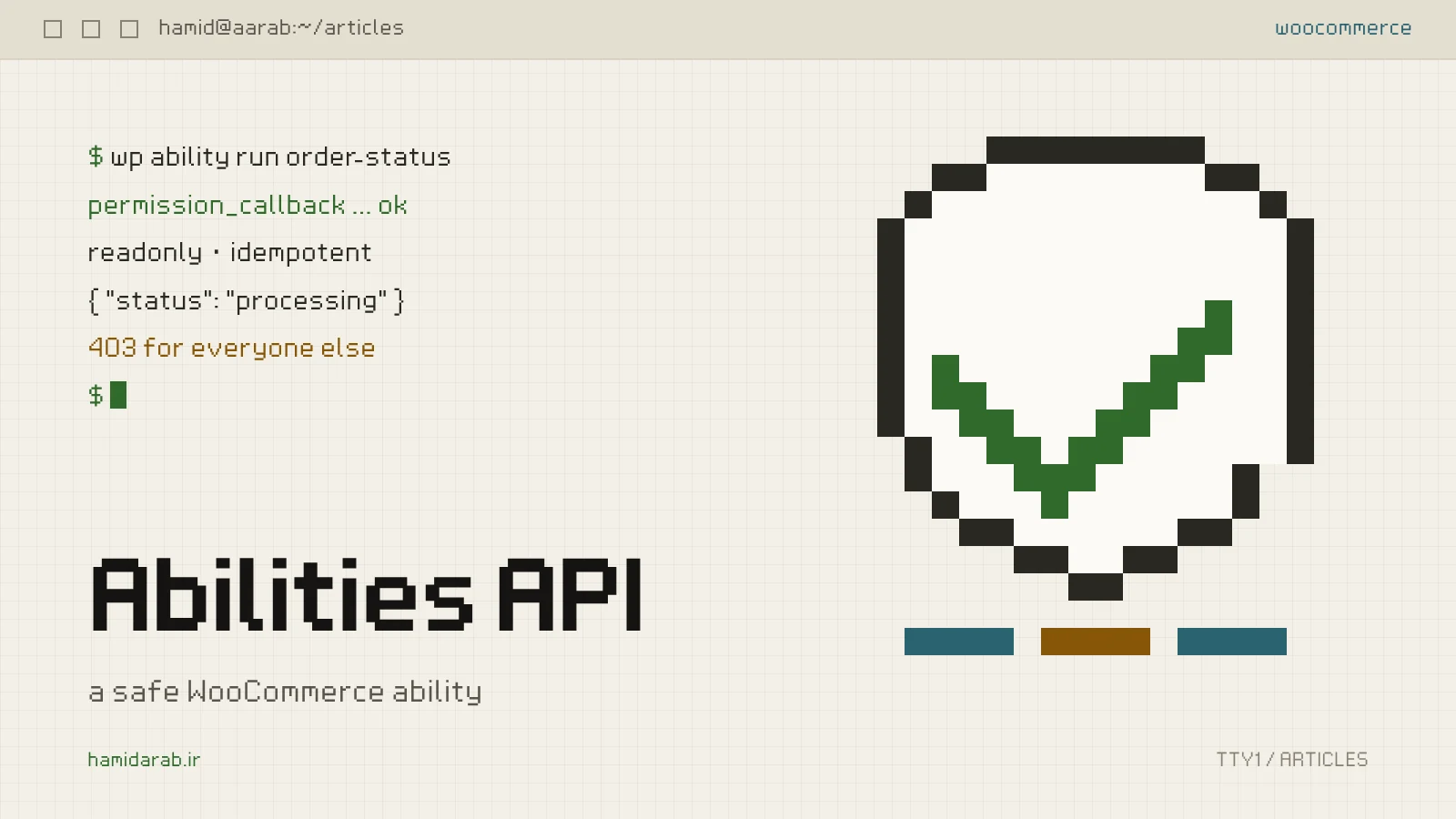
Since WordPress 7 arrived, I keep hearing the same question: “Is the Abilities API useful for my store, or is it just for AI?” The short answer: the Abilities API is a contract. You declare what your plugin can do, what input it takes, what it returns and who may run it. An AI assistant calling it over MCP, a simple script and your own mobile app all use that same contract.
In this note we build a real ability, “order status”. It is a small example, but it needs every important security decision.
First decide what you will not return
Before writing a line of code, list exactly what the output contains. For order status I return only the ID, status, total, currency and creation date. No customer name, no email, no address.
The reason is simple: whatever an ability returns will sooner or later end up somewhere you did not expect, such as a tool’s log, a language model’s context or a bug report screenshot. Data minimisation is a design requirement here, not legal advice.
Register the category and the ability
Every ability belongs to exactly one category, and the category must be registered first:
add_action( 'wp_abilities_api_categories_init', function () {
	wp_register_ability_category( 'store-orders', array(
		'label'       => __( 'Store orders', 'hamid-store' ),
		'description' => __( 'Read-only information about WooCommerce orders.', 'hamid-store' ),
	) );
} );

add_action( 'wp_abilities_api_init', function () {
	if ( ! function_exists( 'wc_get_order' ) ) {
		return; // WooCommerce is not active.
	}

	wp_register_ability( 'hamid-store/order-status', array(
		'label'               => __( 'Order status', 'hamid-store' ),
		'description'         => __( 'Returns the status, total and date of one order. Read-only.', 'hamid-store' ),
		'category'            => 'store-orders',
		'input_schema'        => array(
			'type'                 => 'object',
			'properties'           => array(
				'order_id' => array( 'type' => 'integer', 'minimum' => 1 ),
			),
			'required'             => array( 'order_id' ),
			'additionalProperties' => false,
		),
		'output_schema'       => array(
			'type'       => 'object',
			'properties' => array(
				'id'       => array( 'type' => 'integer' ),
				'status'   => array( 'type' => 'string' ),
				'total'    => array( 'type' => 'string' ),
				'currency' => array( 'type' => 'string' ),
				'created'  => array( 'type' => 'string' ),
			),
		),
		'execute_callback'    => 'hamid_store_order_status',
		'permission_callback' => 'hamid_store_can_read_order',
		'meta'                => array(
			'show_in_rest' => true,
			'annotations'  => array(
				'readonly'    => true,
				'destructive' => false,
				'idempotent'  => true,
			),
		),
	) );
} );
A few notes on this part:
- The ability name: it must be namespaced, using only lowercase letters, digits, dashes and slashes.
- **
additionalProperties => false:** it rejects unexpected input. An ability that needs one number should not accept anything else. - Annotations: they are hints and enforce nothing. They do tell tools that this ability changes nothing, and the REST route expects GET for read-only abilities.
- **
show_in_rest:** it is off by default. Leave it off and the ability can only be run from PHP.
The part that matters: the permission check
permission_callback runs before every execution and receives the same input as execute_callback. This is where most security bugs happen:
function hamid_store_can_read_order( $input ) {
	// Shop managers and administrators can read any order.
	if ( current_user_can( 'edit_shop_orders' ) ) {
		return true;
	}

	// A logged-in customer can read their own orders only.
	$user_id = get_current_user_id();
	if ( $user_id <= 0 ) {
		return false;
	}

	$order = wc_get_order( absint( $input['order_id'] ?? 0 ) );

	return $order instanceof WC_Order && (int) $order->get_customer_id() === $user_id;
}
Do not underestimate if ( $user_id <= 0 ). Guest orders have a customer ID of zero, and so does a visitor who is not logged in. Without that line, 0 === 0 is true and any anonymous visitor can read every guest order. That is exactly the kind of broken access control that was the most exploited vulnerability class in WordPress security reports.
One more subtle point: when the order does not exist I return false, not “order not found”. A different message tells an attacker which numbers are real orders.
Running the ability
The execution itself is simple, because the permission check did the hard work. Just use WooCommerce’s CRUD layer, not get_post_meta, so the code keeps working with HPOS and whatever storage comes next:
function hamid_store_order_status( $input ) {
	$order = wc_get_order( absint( $input['order_id'] ?? 0 ) );

	if ( ! $order instanceof WC_Order ) {
		return new WP_Error( 'hamid_store_no_order', __( 'Order not available.', 'hamid-store' ) );
	}

	$created = $order->get_date_created();

	return array(
		'id'       => $order->get_id(),
		'status'   => $order->get_status(),
		'total'    => $order->get_total(),
		'currency' => $order->get_currency(),
		'created'  => $created ? $created->date( 'c' ) : '',
	);
}
Even though the input schema already says order_id is an integer, I still absint it in both callbacks. Defence in depth costs nothing here.
Calling it from PHP and REST
Inside WordPress:
$ability = wp_get_ability( 'hamid-store/order-status' );
$result  = $ability ? $ability->execute( array( 'order_id' => 1042 ) ) : null;
From outside, with an authenticated user (for example an Application Password). Because the ability is read-only, use GET with the JSON input in the input parameter:
curl -u 'shop-manager:xxxx xxxx xxxx xxxx' \
  "https://example.com/wp-json/wp-abilities/v1/hamid-store/order-status/run?input=%7B%22order_id%22%3A1042%7D"
Every wp-abilities/v1 route requires a logged-in user. If permission_callback refuses, the response is ability_invalid_permissions with status 403.
A checklist before you publish an ability
- Limit the output to what is needed and keep personal data out.
- Test
permission_callbackwith three users: an admin, the customer who owns the order and a different customer. Test once logged out as well. - Test a guest order separately, the case where the customer ID is zero.
- For anything that changes data, set
readonlyto false (anddestructiveto true where it applies), and make its permission check stricter than the read-only one. - If it does not need to be called from outside, leave
show_in_restoff.
The Abilities API is one of the best additions to WordPress in years, because we finally have a standard way to say “this is what my plugin can do”. But being standard also means any mistake in a permission check can be exploited with one simple request from outside. Treat abilities like REST endpoints, because in practice that is what they are.
Sources
$ ./request_review
Facing the same problem in your own store?
Senior WordPress and WooCommerce backend engineering for complex production problems.
Request a Technical Assessment

## Comments