Contents (8)
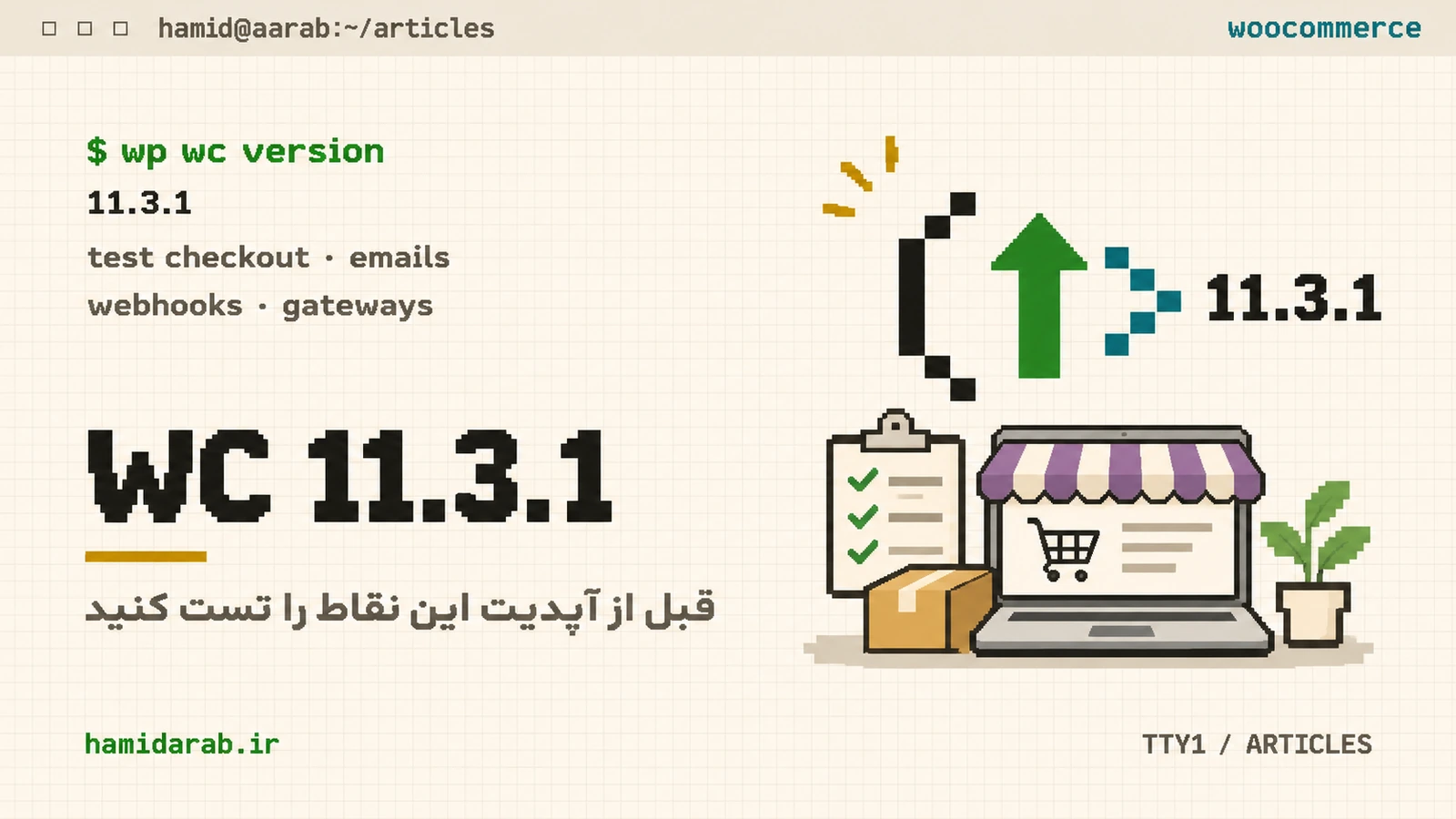
WooCommerce 11.3.1 shipped on November 19, 2026 with security-focused changes across checkout, accounts, permissions and data handling. If your store runs custom extensions, a headless frontend or analytics SQL, treat the update as a small deployment rather than a blind plugin click.
1. Re-test credentialed Store API requests
WooCommerce 11.3.1 requires credentialed cross-origin Store API requests to come from an origin allowed by WordPress. Headless storefronts that send login cookies should verify their origin configuration. Cart-token requests without credentials remain supported.
2. There is a new My Account template
The email-confirmation flow adds myaccount/form-confirm-email.php. Themes that override WooCommerce templates should check template status after the update and make sure the new flow is not unintentionally styled or hidden by old overrides.
3. A legacy REST endpoint now requires manage_woocommerce
The legacy wc-admin options endpoint now checks manage_woocommerce. Integrations using narrowly-scoped custom roles may start receiving 403 responses. Fix the capability model deliberately instead of granting broad administrator access.
4. Product query semantics changed in 11.3
When on_sale is combined with include or exclude, the filters now compose predictably. If your storefront or sync layer depended on the previous behavior, create fixtures and compare responses before and after the upgrade.
GET /wp-json/wc/store/v1/products?on_sale=true&include=10,135. Qualify payment_method in custom Analytics SQL
WooCommerce 11.3 added payment_method to wc_order_stats. Custom Analytics SQL that joins wc_orders and references the column without a table name can fail with an ambiguous-column error. Search your woocommerce_analytics_clauses_* filters before updating.
6. Treat the database update as deployment work
11.3 and 11.3.1 include database updates. Large stores should include migration and index-building time in the maintenance plan, monitor Action Scheduler afterward and keep a rollback-ready database backup.
My short checklist
- Back up database and files.
- Use staging with production-like PHP/MySQL.
- Test classic and block checkout.
- Test Store API and headless origins.
- Review template overrides.
- Re-test product filters and Analytics SQL.
- Watch PHP logs and Action Scheduler after the update.
Sources
$ ./request_review
Facing the same problem in your own store?
Senior WordPress and WooCommerce backend engineering for complex production problems.
Request a Technical Assessment
## Comments