Contents (6)
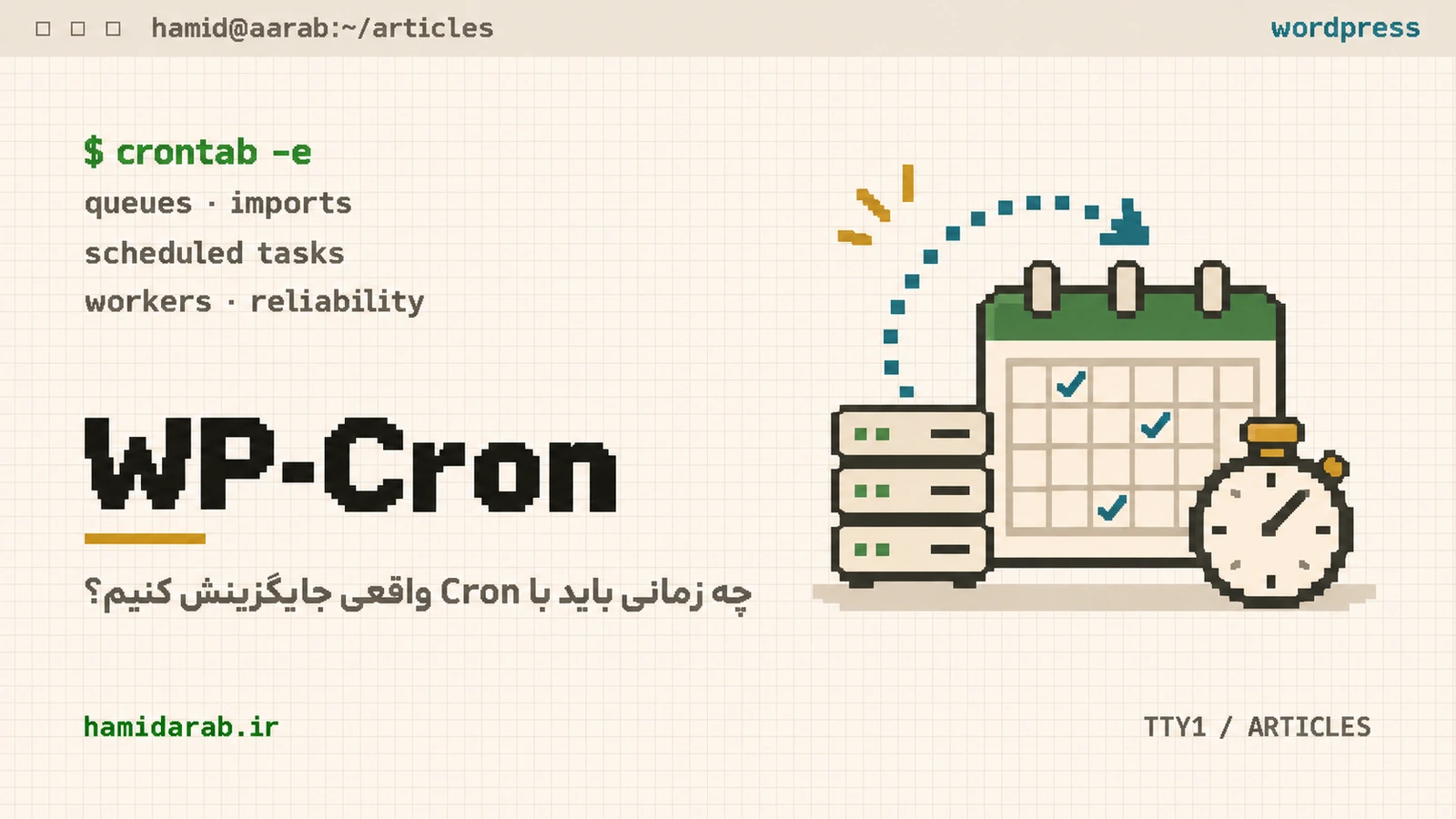
WP-Cron is not a continuously running operating-system scheduler. WordPress checks for due events as requests arrive. That design is convenient on shared hosting and often good enough for small sites, but it is not the same reliability model as system cron.
The low-traffic problem
If a task is scheduled for 2:00 PM and the next request does not arrive until 5:00 PM, WP-Cron may not get an opportunity to run until that later request. Time-sensitive mail, stock synchronization and external jobs may need a real scheduler.
What about high-traffic sites?
WordPress checks cron state during requests and spawns work when events are due. Newer core versions move the normal spawn to shutdown to reduce TTFB impact, but heavy scheduled workloads are still easier to reason about when scheduling is detached from visitor traffic.
A production pattern
Once you have a real scheduler, disable request-driven WP-Cron:
define( 'DISABLE_WP_CRON', true );Then invoke due events on an explicit interval. On servers with WP-CLI, I prefer a command that is easy to log and monitor:
*/5 * * * * cd /var/www/example && wp cron event run --due-now --quietChecks before you switch
- Use
wp cron event listto inspect hooks and next-run times. - Use
wp cron testto understand the current spawning behavior. - Measure long-running jobs and prevent overlapping execution where needed.
- Do not confuse WooCommerce Action Scheduler with WP-Cron; monitor that execution chain separately.
- Document system and WordPress time zones.
The dangerous mistake
Setting DISABLE_WP_CRON=true without installing a replacement scheduler can stop scheduled work entirely. Build and test the replacement first; disable request-driven cron second.
Sources
$ ./request_review
Facing the same problem in your own store?
Senior WordPress and WooCommerce backend engineering for complex production problems.
Request a Technical Assessment
## Comments