Contents (8)
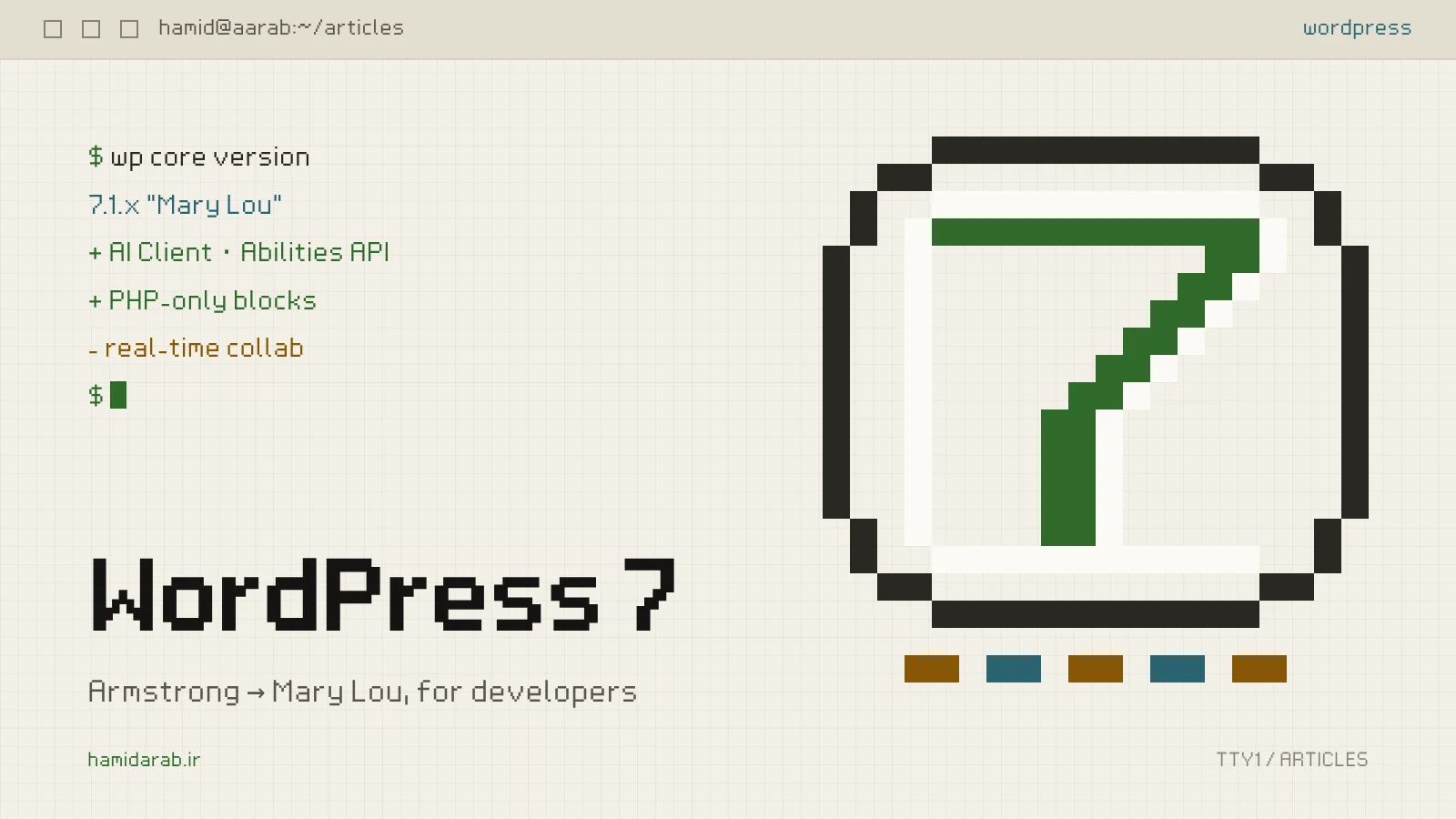
WordPress shipped two major releases this year, three months apart: 7.0 “Armstrong” on 20 May 2026 and 7.1 “Mary Lou” on 19 August 2026. Most write-ups look at them from the site owner’s side: a new dashboard, a new colour scheme, new blocks. This note covers only what affects the code we write: where a custom plugin or a bespoke theme might break, and where it gains a new tool.
The PHP minimum finally moved
Since WordPress 7.0, the minimum supported PHP version is 7.4, up from 7.2.24. Sites still on PHP 7.2 or 7.3 get no new features and stay on the 6.9 branch for security fixes only.
For plugins that target WordPress 7 and later, you can now rely on PHP 7.4 features such as typed properties and arrow functions. But “minimum supported” is not “recommended”. In its May announcement the core team said the minimum recommended version is still PHP 8.3, and that WordPress 6.9 and 7.0 fully support PHP 8.5. The “beta support” label has been retired altogether.
If you ship a public plugin, fill in Requires PHP honestly and test in CI on at least 7.4 and 8.5, the two ends of the range your users actually run.
An AI client in core
The most important 7.0 change for developers is a provider-agnostic AI client: a single PHP entry point, wp_ai_client_prompt(), for text, image, speech and video generation. The site owner picks the provider on the new Settings › Connectors screen.
Two points the marketing posts tend to skip:
- Core ships no providers and enables no AI calls by default. The official Anthropic, Google and OpenAI provider plugins are maintained outside core.
- If your plugin had its own API key field and HTTP calls, it can now hand that part to core. The owner enters a key once, and you stop maintaining a client per provider.
Abilities API: a shared language between plugins and agents
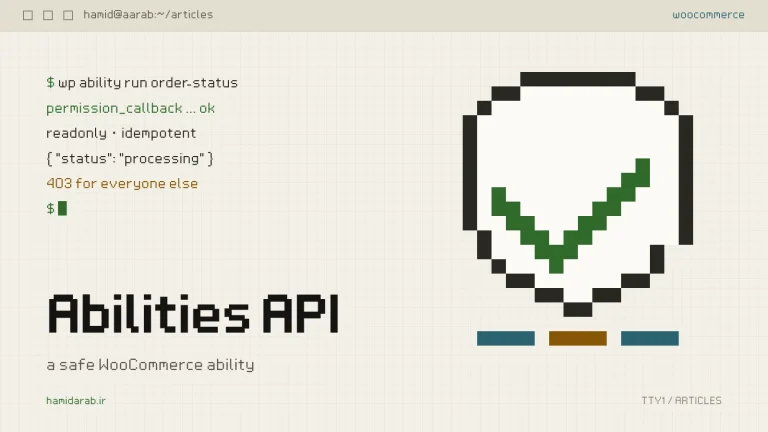
The Abilities API arrived in 6.9, gained a JavaScript side in 7.0 and grew in 7.1. The idea is simple: a plugin registers what it can do (a name, a description, input and output schemas and a permission check), and any tool, from an AI assistant to an automation script, can discover and run it.
7.0 added @wordpress/abilities and @wordpress/core-abilities, which bring server-registered abilities to the browser through REST. 7.1 added a filterable execution lifecycle, custom validation and shared discovery.
A minimal ability looks like this:
add_action( 'wp_abilities_api_categories_init', function () {
	wp_register_ability_category( 'site-information', array(
		'label'       => __( 'Site information', 'my-plugin' ),
		'description' => __( 'Read-only facts about this site.', 'my-plugin' ),
	) );
} );

add_action( 'wp_abilities_api_init', function () {
	wp_register_ability( 'my-plugin/site-info', array(
		'label'               => __( 'Site info', 'my-plugin' ),
		'description'         => __( 'Returns the site name.', 'my-plugin' ),
		'category'            => 'site-information',
		'execute_callback'    => fn() => array( 'site_name' => get_bloginfo( 'name' ) ),
		'permission_callback' => fn() => current_user_can( 'manage_options' ),
		'meta'                => array( 'show_in_rest' => true ),
	) );
} );
Watch the permission_callback. Get it wrong and you have opened a back door for every automated tool. A separate note shows how to build a WooCommerce ability safely.
PHP-only blocks
A quiet but useful 7.0 change: simple server-rendered blocks can now be registered in PHP alone, with no JavaScript file and no build step. Provide a render_callback and turn on the autoRegister flag.
That is good news for Blade and Sage themes. Many of our custom blocks are really just server output, such as “latest case studies” or a contact form, and until now each one carried a useless JavaScript skeleton.
Small changes that touch theme code
- Button states in theme.json: hover, focus and active states can be styled directly in theme.json. If you wrote these in hand-made CSS, it is time to tidy up.
- Anchors for dynamic blocks: dynamic blocks now support anchors (
id), stored in the block comment delimiter. - Pattern Overrides: any block attribute that supports Block Bindings can now support Pattern Overrides, opted in with the
block_bindings_supported_attributesfilter. - Icon API: 7.0 added an Icon block with a server-side SVG registry and a REST route at
/wp/v2/icons, and 7.1 made the Icon API public. - Image processing in the browser: in 7.1, compression, resizing and thumbnail generation happen in the browser, with native AVIF and HEIC support. If a plugin hooks
wp_generate_attachment_metadataor touches image sizes, test it with real uploads.
What didn’t ship: real-time collaboration
Real-time collaboration was the headline of the 7.0 previews. On 8 May 2026, twelve days before launch, it was pulled. It is not in 7.1 either, and in September contributors described the new approach as “in its early stages”. What you get instead is Notes: asynchronous block comments, which gained rich text, mentions and inline notes in 7.1.
If you promised a client that “with WordPress 7 the content team edits the same page together”, now is the time to reset expectations.
My upgrade checklist for a custom site on 7.x
- Check the server’s PHP version. If it is below 8.3, upgrade PHP separately and before WordPress, so you know which change caused a problem.
- Open custom plugins on staging with
WP_DEBUGon and read the log for deprecation notices. - Wherever you process images, test with real AVIF and HEIC uploads.
- If you have custom blocks, see which can move to PHP-only registration and leave the build.
- Before exposing anything through the Abilities API, give every ability a real
permission_callback, never__return_true.
WordPress 7 changes the developer’s toolbox more than it changes how sites behave. The good news: if your code was clean and standard, the upgrade is usually painless. The bad news: if you reached into core tables or files somewhere, now is the time to find it.
Sources
$ ./request_review
Facing the same problem in your own store?
Senior WordPress and WooCommerce backend engineering for complex production problems.
Request a Technical Assessment
## Comments