Contents (6)
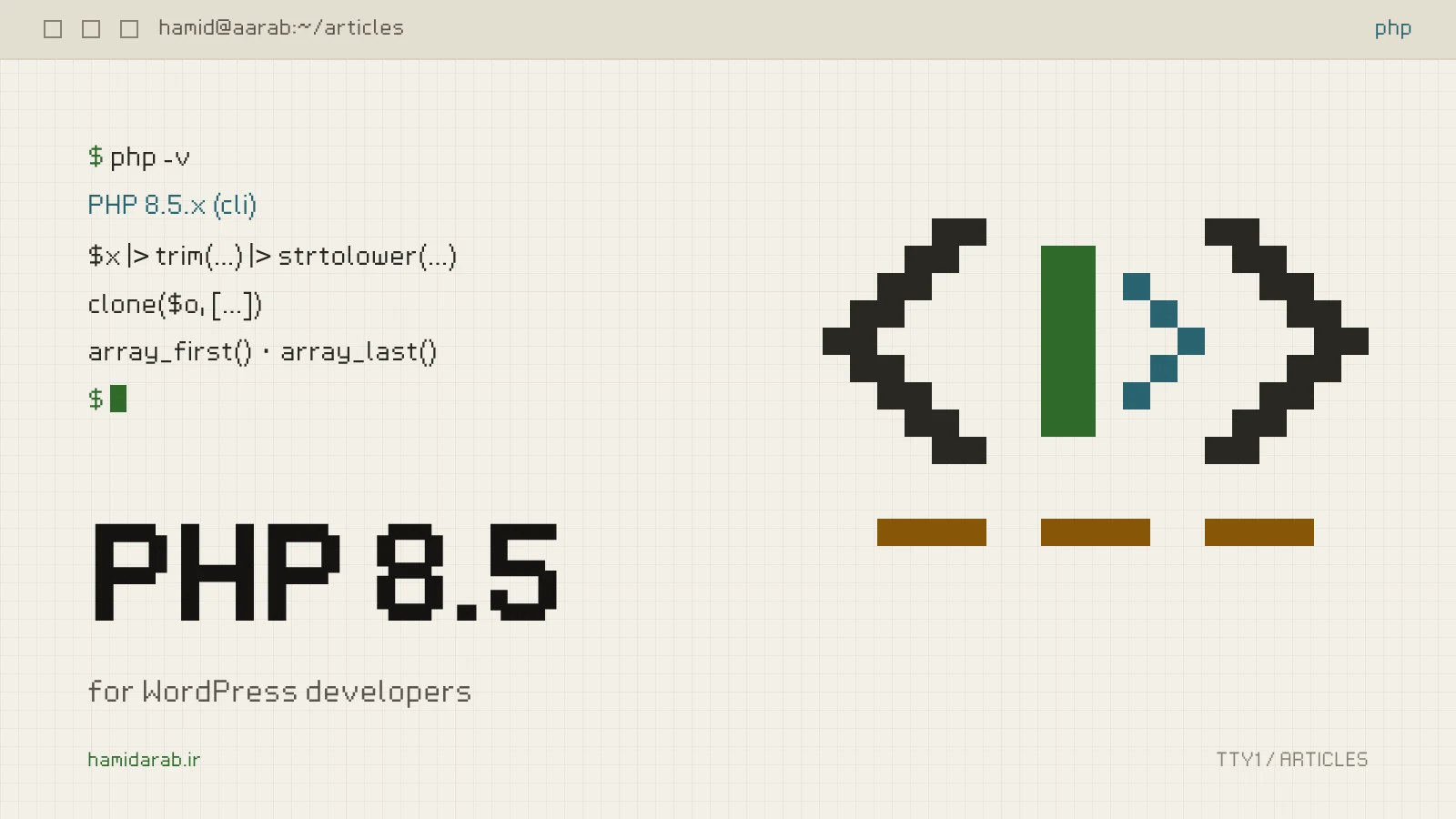
PHP 8.5 was released on 20 November 2025. For its first months, the short answer to “should I move the site to 8.5?” was “not yet”. Then in May 2026 the WordPress core team announced that WordPress 6.9 and 7.0 fully support PHP 8.5, and retired the “beta support” label for good.
So core is ready. The real question now is whether your plugins and your own code are, and which parts of 8.5 are worth using.
The pipe operator: more readable, not magic
The most visible change in 8.5 is the |> operator. It passes the value on the left to the callable on the right, so you can build chains. The classic example builds a slug from a title:
$slug = $title
	|> trim(...)
	|> ( fn( $s ) => str_replace( ' ', '-', $s ) )
	|> strtolower(...);
In WordPress code it shines in sanitising and transformation chains, for example cleaning an input before saving it:
$clean_tags = $raw_tags
	|> ( fn( $s ) => explode( ',', $s ) )
	|> ( fn( $a ) => array_map( 'sanitize_text_field', $a ) )
	|> ( fn( $a ) => array_filter( $a ) )
	|> array_values(...);
It has three important limits:
- One required parameter: every callable in the chain must take exactly one required parameter, and the value always goes in as the first argument.
- No by-reference parameters: functions such as
array_popcannot be used in a chain. - No backward compatibility: code containing
|>does not even parse on PHP 8.4 or older. In a plugin you publish for everyone, its time has not come yet: WordPress’s minimum is PHP 7.4 and your users run every kind of server. In a bespoke project where you control the server, go ahead.
clone with: the end of hand-written with-methods
If you use readonly objects, such as value objects in a payment plugin, clone can now change several properties at once:
final readonly class Money {
	public function __construct(
		public int $amount,
		public string $currency,
	) {}

	public function withAmount( int $amount ): self {
		return clone( $this, array( 'amount' => $amount ) );
	}
}
Before this you had to call the constructor again with every argument, or reach for Reflection.
Small things you will use every day
- **
array_first()andarray_last():** they return the first and last value of an array, ornullfor an empty one, so they pair nicely with??. No morereset()andend()moving the array’s internal pointer. - **
#[\NoDiscard]:** PHP warns when the return value of a function marked with it is ignored. That is ideal for functions that return a modified copy when everyone assumes they modify the original. - The URI extension:
Uri\Rfc3986\Uriparses addresses according to RFC 3986 and the WHATWG URL standard. It is more reliable thanparse_urlfor validating redirects and webhooks. - Backtraces for fatal errors: errors such as an exceeded execution time now include a full backtrace. For debugging heavy WooCommerce cron jobs, that alone is worth the upgrade.
What was deprecated
You will see these often in old plugins, especially code that has passed through several hands:
- Non-canonical cast names:
(boolean),(integer),(double)and(binary)are deprecated. Write(bool),(int),(float)and(string)instead. - The backtick operator: using it as an alias for
shell_exec()is deprecated. If you find one in a plugin, there is probably a bigger security problem nearby. - **
nullas an array key:** usingnullas an array offset, or inarray_key_exists(), is deprecated. - **
caseending in a semicolon:** ending acasewith;instead of:is deprecated. - **
__sleep()and__wakeup():** both are soft-deprecated in favour of__serialize()and__unserialize(). - New warnings: casting a float to int when it cannot be represented, and destructuring a non-array value, now emit warnings.
None of these takes a site down, but they fill the log. A full log means you see the next real error late.
The upgrade order I recommend
- Know where you stand. Check the PHP version under Tools › Site Health › Info. WordPress’s minimum recommended version is still 8.3; if you are below it, move to 8.3 or 8.4 first.
- Test on staging with full warnings. Turn on
WP_DEBUGandWP_DEBUG_LOG, walk through the sensitive paths end to end (checkout, registration, cron jobs and webhooks), then read the log. - Run an automated compatibility scan. PHPCompatibility on PHPCS, with 8.5 as the target, catches most deprecations before anything runs.
- Check commercial plugins separately. Encoded plugins in particular are usually the last to support a new PHP version.
- Upgrade PHP on its own. Do it separately from WordPress and plugin updates. When three things change at once and something breaks, you cannot tell which one did it.
PHP 8.5 is not a revolution, but it is full of small things that make code cleaner and debugging easier. If your project is bespoke and you control the server, now is a good time to try it on staging. If you write a public plugin, use the new features only in branches whose Requires PHP really says 8.5.
Sources
$ ./request_review
Facing the same problem in your own store?
Senior WordPress and WooCommerce backend engineering for complex production problems.
Request a Technical Assessment
## Comments