Contents (7)
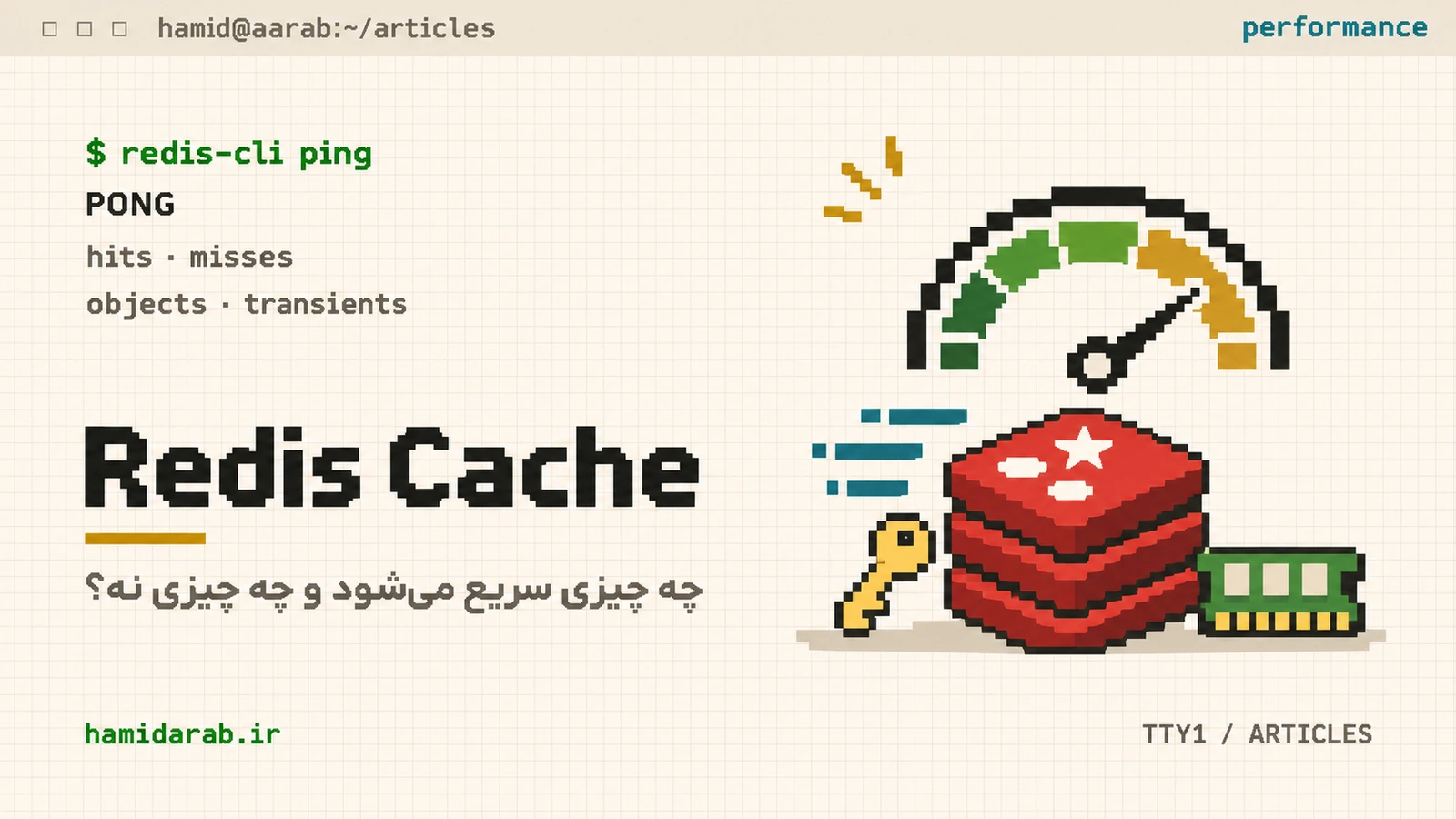
When a WordPress site is slow, “install Redis” is often suggested too early. Redis can help, but only when you understand the layer it serves. Object cache keeps application objects and query results available across requests; it does not cache complete HTML pages or compiled PHP bytecode.
The default WordPress object cache is not persistent
WordPress has an in-memory object cache for the lifetime of a request. Persistence between requests requires an object-cache.php drop-in backed by a service such as Redis or Memcached.
What can improve
Sites with repeated queries, large option sets, taxonomy-heavy workloads or busy WooCommerce traffic can reduce database round-trips and stabilize TTFB with a persistent object cache. The real benefit depends on hit rate and invalidation patterns, not on whether the Redis process is merely running.
What it does not replace
- Images and CSS/JS → browser/CDN caching.
- Fully rendered HTML → page cache.
- Compiled PHP bytecode → OPcache.
- Bad SQL or missing indexes → fix the query/database.
- Slow external APIs → use integration-specific caching and timeouts.
WP_CACHE is not Redis
Defining WP_CACHE by itself does not enable Redis. Persistent object caching uses a dedicated drop-in. Also remember that transients may live in an external object cache when one is active, or in the database when it is not.
How to verify the layer
wp cache type
wp cache supports flush_group
wp cache get some_key some_group
Use cache metrics too: hit/miss ratio, memory usage and latency. A low hit rate is often a signal to inspect invalidation and cache groups before simply allocating more memory.
My WooCommerce rule
Treat Redis as one performance layer, not a turbo button. Measure the bottleneck first, then cache the thing that is actually expensive.
Sources
$ ./request_review
Facing the same problem in your own store?
Senior WordPress and WooCommerce backend engineering for complex production problems.
Request a Technical Assessment


## Comments