Contents (7)
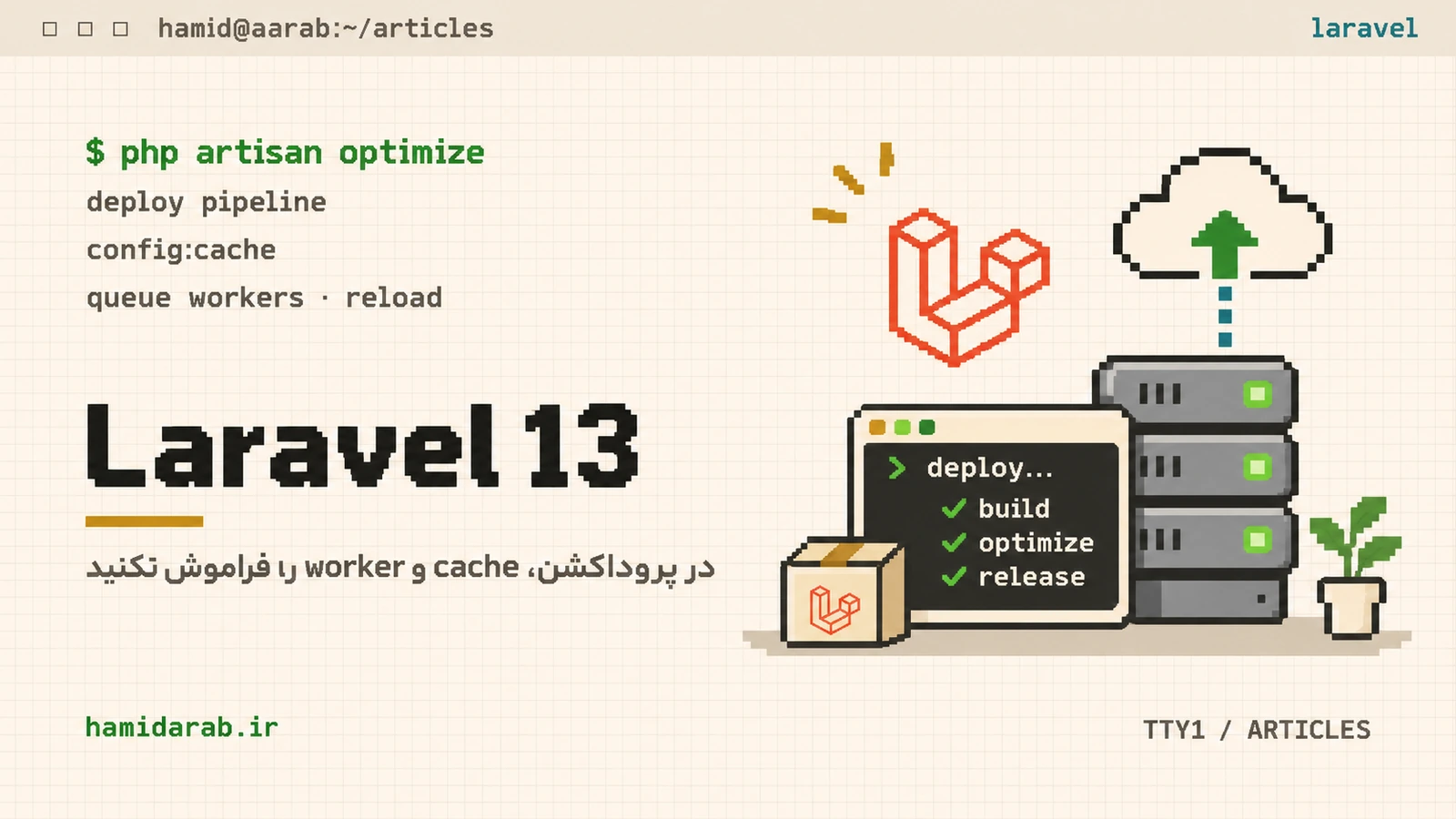
Laravel 13 requires PHP 8.3 or newer, and a healthy deployment is more than copying new files. The important work continues after the release reaches the server: production caches must match the new code and long-running processes must load that code too.
1. APP_DEBUG must be false in production
It sounds basic, but debug mode remains one of the highest-impact deployment mistakes. Exception output can expose paths and configuration details. Keep production configuration separate from developer-local settings.
2. Make optimize part of the release
Laravel provides php artisan optimize for production caching. You can also execute the underlying config, event, route and view cache commands individually when your pipeline needs finer control.
php artisan optimize
# or granularly:
php artisan config:cache
php artisan event:cache
php artisan route:cache
php artisan view:cache
After config:cache, direct env() calls outside configuration files are the wrong pattern. Read values through Laravel configuration instead.
3. Queue workers do not notice new code automatically
queue:work is a long-running process that keeps the booted application state in memory. Deploying files does not reload that process. Without a restart/reload, web requests can execute the new release while queued jobs continue executing the previous one.
4. Laravel 13 provides a unified reload command
Laravel 13 documents php artisan reload for reloading long-running services such as queue workers, Reverb and Octane. Outside Laravel Cloud, keep a process monitor configured so terminated workers are started again.
php artisan reload5. Release order matters
- Prepare the new release in a separate directory.
- Run Composer with production-appropriate flags.
- Build production configuration and caches.
- Run backward-compatible migrations.
- Atomically switch the current-release symlink.
- Reload long-running services.
- Run health checks and inspect logs.
Why atomic releases?
Overwriting files in the live directory allows a request to observe a mixture of old and new code during deployment. Release directories plus an atomic symlink switch greatly reduce that inconsistent window.
Sources
$ ./request_review
Facing the same problem in your own store?
Senior WordPress and WooCommerce backend engineering for complex production problems.
Request a Technical Assessment
## Comments