Contents (9)
When a site lands on my desk for a rescue, my first question is not “what got hacked?”. It is “how many plugins are installed, and when did anyone last look at that list?”. The answer almost always explains a big part of the story.
Patchstack’s annual report on WordPress security in 2026 puts numbers on that experience.
Numbers worth taking seriously
According to the report, in 2025:
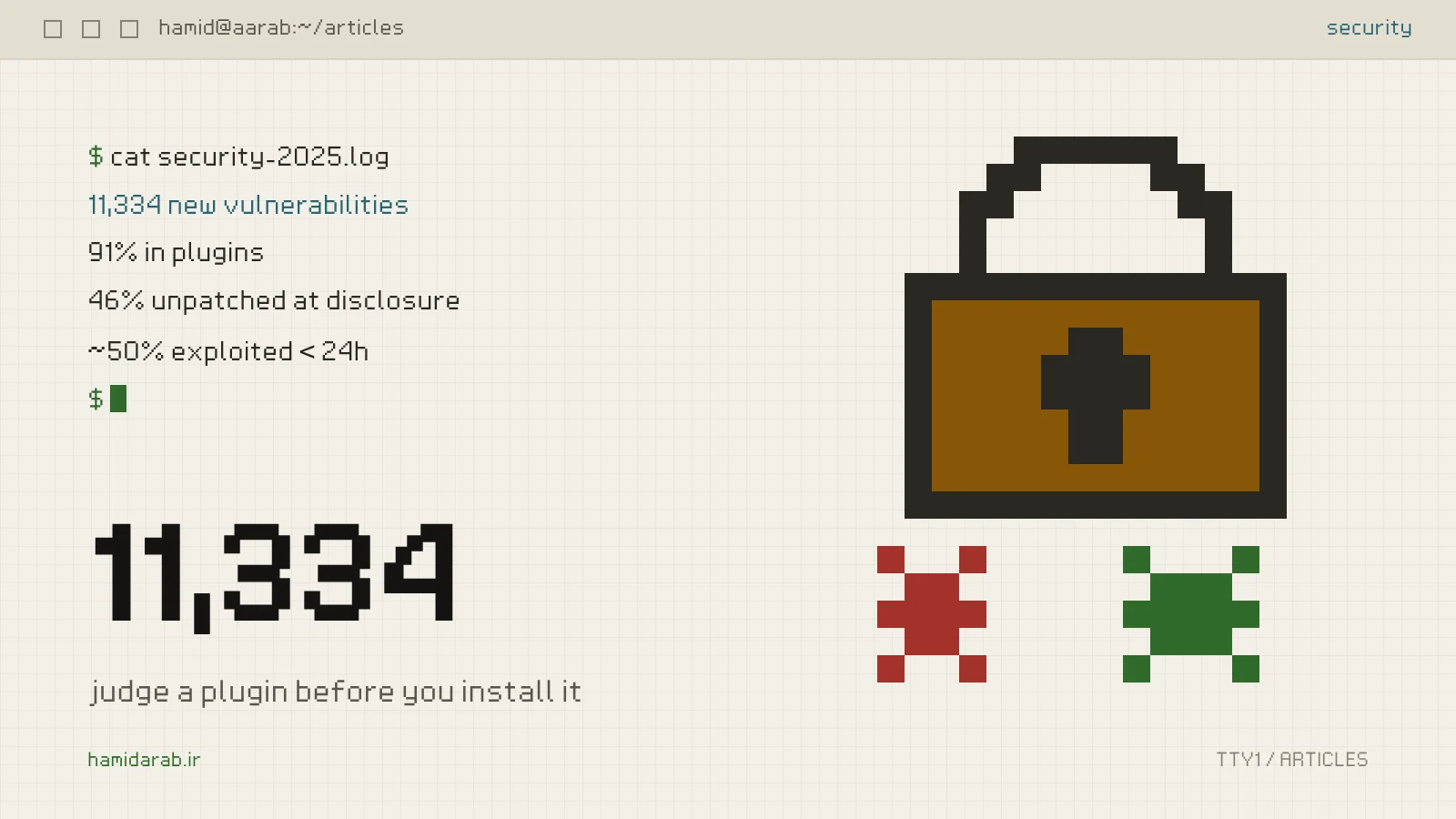
- 11,334 new vulnerabilities were found in the WordPress ecosystem, 42% more than the year before.
- 91% were in plugins and 9% in themes. WordPress core had only 6 reported vulnerabilities, all low priority.
- 46% of vulnerabilities were not fixed in time for public disclosure.
- About half of high-impact vulnerabilities were exploited within 24 hours. For the most heavily targeted ones, the weighted median time to first exploit was 5 hours.
- Broken access control was the most exploited vulnerability type.
In short: the main problem is not WordPress, it is the plugins we put on top of it. And the reaction window is no longer “I’ll update when I have time”; sometimes it is a few hours.
Checklist one: before you install a plugin
These are the questions I ask before adding any plugin to a client site:
- Do we really need it? Many plugins do what ten lines in the site’s own custom plugin would do. Every plugin is a new attack surface and a new source of updates.
- When was it last updated? A plugin untouched for more than a year is unlikely to react quickly when a vulnerability is found.
- Who maintains it? Look at how security reports were handled in the support forum and the changelog. “Security fix” in a changelog is not a bad sign; it means someone is listening.
- No nulled or cracked copies. No saving is worth a plugin with unknown code inside that will never be updated.
- Know what it exposes. Why would a plugin that is just a simple form need a public REST endpoint or file uploads?
- Have an alternative ready. If a security fix is late one day, you need to know what can replace it.
After installing: turn on automatic updates for low-risk plugins, and keep a fixed weekly routine for sensitive ones such as payment gateways and forms.
Checklist two: when you write the plugin
Most vulnerabilities I have found in custom project code come from three simple omissions: the capability check, the nonce, and output escaping.
Every sensitive action needs a capability check
A nonce only proves the request came from your form; it does not prove the sender is allowed. You need both:
add_action( 'admin_post_my_plugin_export', function () {
	if ( ! current_user_can( 'manage_woocommerce' ) ) {
		wp_die( esc_html__( 'You are not allowed to do this.', 'my-plugin' ), 403 );
	}
	check_admin_referer( 'my_plugin_export' );

	// ... the actual export.
} );
A REST permission_callback is never __return_true unless the route is truly public
register_rest_route( 'my-plugin/v1', '/orders/(?P<id>\d+)/note', array(
	'methods'             => 'POST',
	'callback'            => 'my_plugin_add_note',
	'permission_callback' => fn() => current_user_can( 'edit_shop_orders' ),
	'args'                => array(
		'id'   => array( 'type' => 'integer', 'required' => true, 'minimum' => 1 ),
		'note' => array( 'type' => 'string', 'required' => true, 'sanitize_callback' => 'sanitize_textarea_field' ),
	),
) );
Any route that changes something without a real permission_callback is a broken access control bug waiting to be found. The same rule applies to the Abilities API in WordPress 7.
Sanitise input, escape output
Sanitise input when you receive it, with the right function: absint, sanitize_text_field, sanitize_email and friends. Escape output when you print it, with esc_html, esc_attr, esc_url or wp_kses_post. The rule is simple: anything that goes back into HTML is escaped at the moment of printing, even if it came from your own database. Stored XSS feeds on exactly that “it’s from our database, so it’s safe”.
Raw queries only with prepare
$rows = $wpdb->get_results(
	$wpdb->prepare( "SELECT id, total FROM {$wpdb->prefix}my_table WHERE customer_id = %d", $customer_id )
);If you do only one thing
List every plugin on the site and write three things next to each: why it is installed, when it was last updated, and what would replace it if it were abandoned tomorrow. Remove any plugin without an answer in the first column.
WordPress security, more than anything, is reducing the number of things that can break.
Sources
$ ./request_review
Facing the same problem in your own store?
Senior WordPress and WooCommerce backend engineering for complex production problems.
Request a Technical Assessment
## Comments